
Key takeaways
- Use a soft sleeve first, then an outer holder when needed.
- Check a holder’s supported thickness as well as its length and width.
- Avoid direct sunlight, water and sudden temperature or humidity changes.
Open contents
Prepare the desk and supplies before opening packs
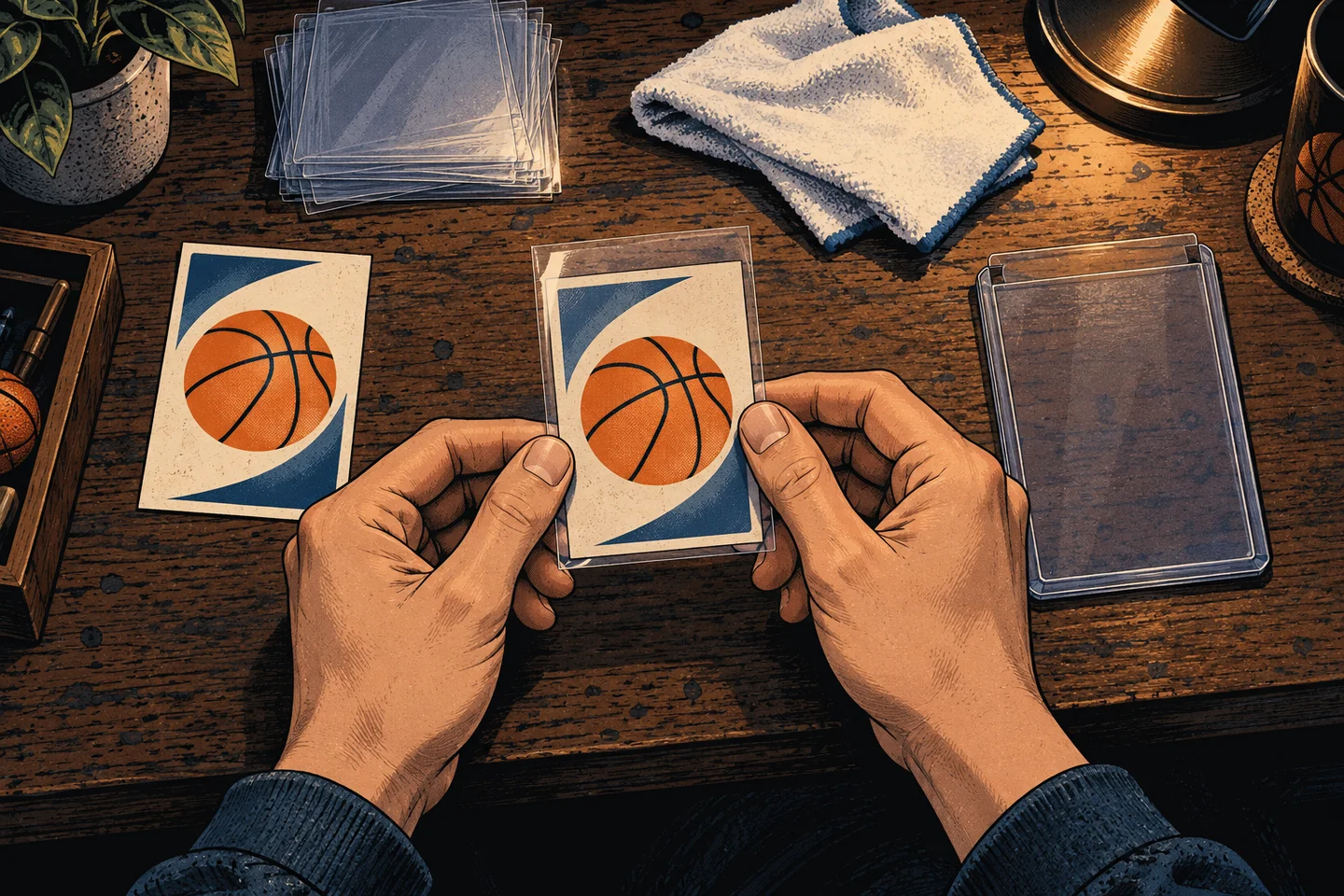
Clear the desk, move drinks away and handle cards with clean, dry hands. Preparing sleeves and storage first reduces unprotected stacking and repeated handling.
Hold a card gently by its edges rather than pressing on the surface. Keep rubber bands and adhesive tape away from the card itself.
- Clear the desk and move drinks away
- Prepare sleeves and storage in advance
- Hold cards by the edges without pressing the surface
Combine a soft sleeve with an outer holder
A soft sleeve is a thin protective covering. When needed, place the sleeved card inside an outer holder such as a toploader. Ultra PRO also recommends using a sleeve first.
Check the sleeve’s dimensions and material. Acid-free and non-PVC designations are useful when choosing long-term storage supplies. If a corner catches, stop and do not force the card into place.
A holder’s pt rating refers to thickness
Cards with the same length and width do not necessarily have the same thickness. Relics and multilayer cards may not fit standard holders. Check the manufacturer’s supported thickness.
The pt marking on a supply item is a thickness measure, not a card’s condition score. Choose protection suited to the card rather than squeezing it into a tight holder or album pocket.
- Check the sleeve and holder’s internal dimensions
- Check the supported thickness for the card
- Make sure the card fits without force
Keep displays away from sunlight and water
Even in a holder, cards should be kept away from sunny windows, hot vehicle interiors and areas near water. Choose a clean, stable indoor location with limited temperature and humidity changes.
A holder marketed for UV protection still calls for care with long exposure to strong light. Review the lighting on displayed cards and use dividers to prevent stored cards from tipping or being compressed.
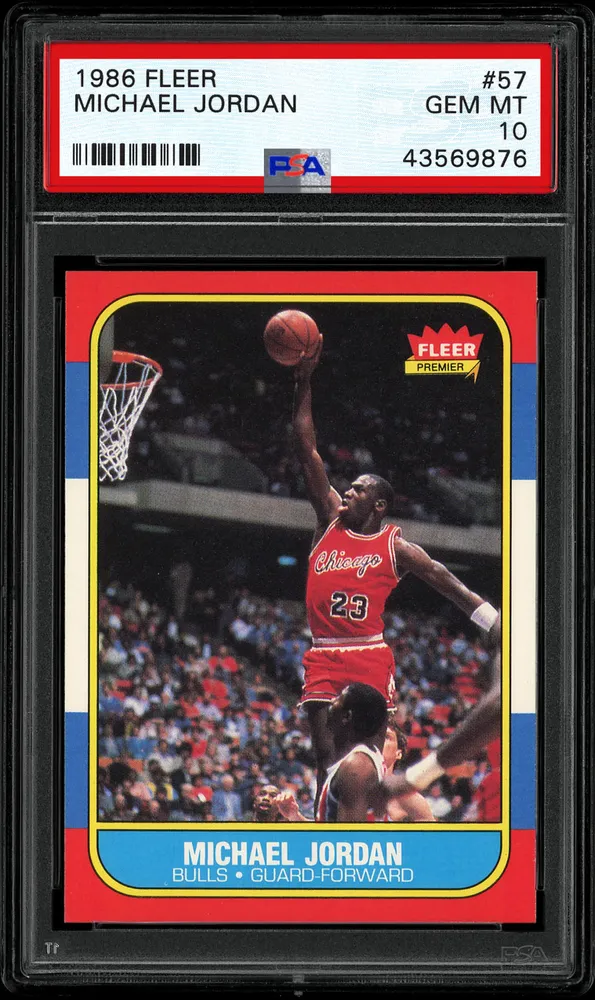
#57 / BaseView details & price history

#280 / BaseView details & price history
Keep photographs and details, and check storage periodically
Periodically check for damp storage boxes, dirty or distorted sleeves and overcrowding. Put inventory numbers and purchase dates outside the holder or in a separate record, never directly on the card.
Store front and back photographs with the year, series and number so you can identify the card again. Avoid chemical polishing or attempts to alter damage. If deterioration concerns you, preserve the current condition and consult a specialist.
- Record front and back photographs, year, series and number
- Check sleeve dirt or distortion and moisture in boxes
- Check for overcrowding and pressure